Course Overview
This plugin provides a comprehensive archiving overview page that lists all archivable activities within a Moodle course. To access this page, navigate to a Moodle course in that you have at least trainer rights and click on More / Archiving inside the secondary navigation to open the archiving overview page.

In the top section, all archivable course activities are listed. For each activity, the respective status badge on the right indicates when an activity was last archived. If an activity has changed since the last archiving (e.g., a new quiz attempt was submitted), an additional warning will be displayed. You can use the Show all activities button to also include activities that are currently unsupported.
To create a new archive job, click on the desired activity inside the list. This will take you to the archive creation form for the respective activity.
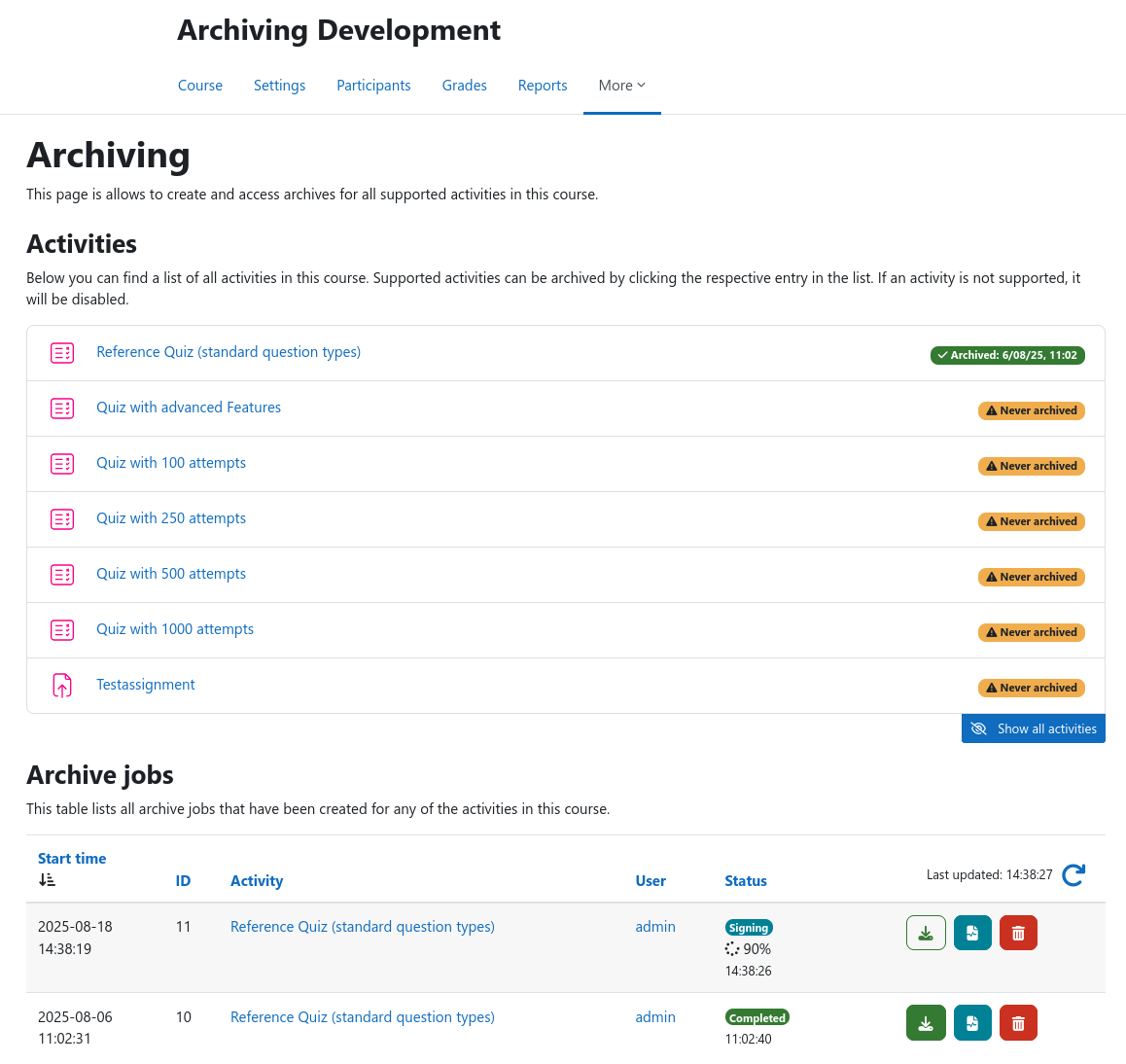
The table at the bottom lists all existing archive jobs that target an activity inside the current course. You can use the action buttons to the right to download archives, inspect logs, or delete an archive job including all stored data. The list can be refreshed using the blue arrow symbol at the top right.