Screenshots
This page contains various screenshots of the archiving subsystem core as well as examples from the distributed sub-plugins. The screenshots shown here do not cover the full depth of the plugin's functionality, but they should give you a good first impression of the plugin and its features.
Beta Screenshots
The following screenshots are from the current development version of the plugin. They may differ from the final stable release and might be outdated. To get the latest impression of the plugin, please install a local test version.
User interface
This section contains screenshots of the pages that are visible to managers.
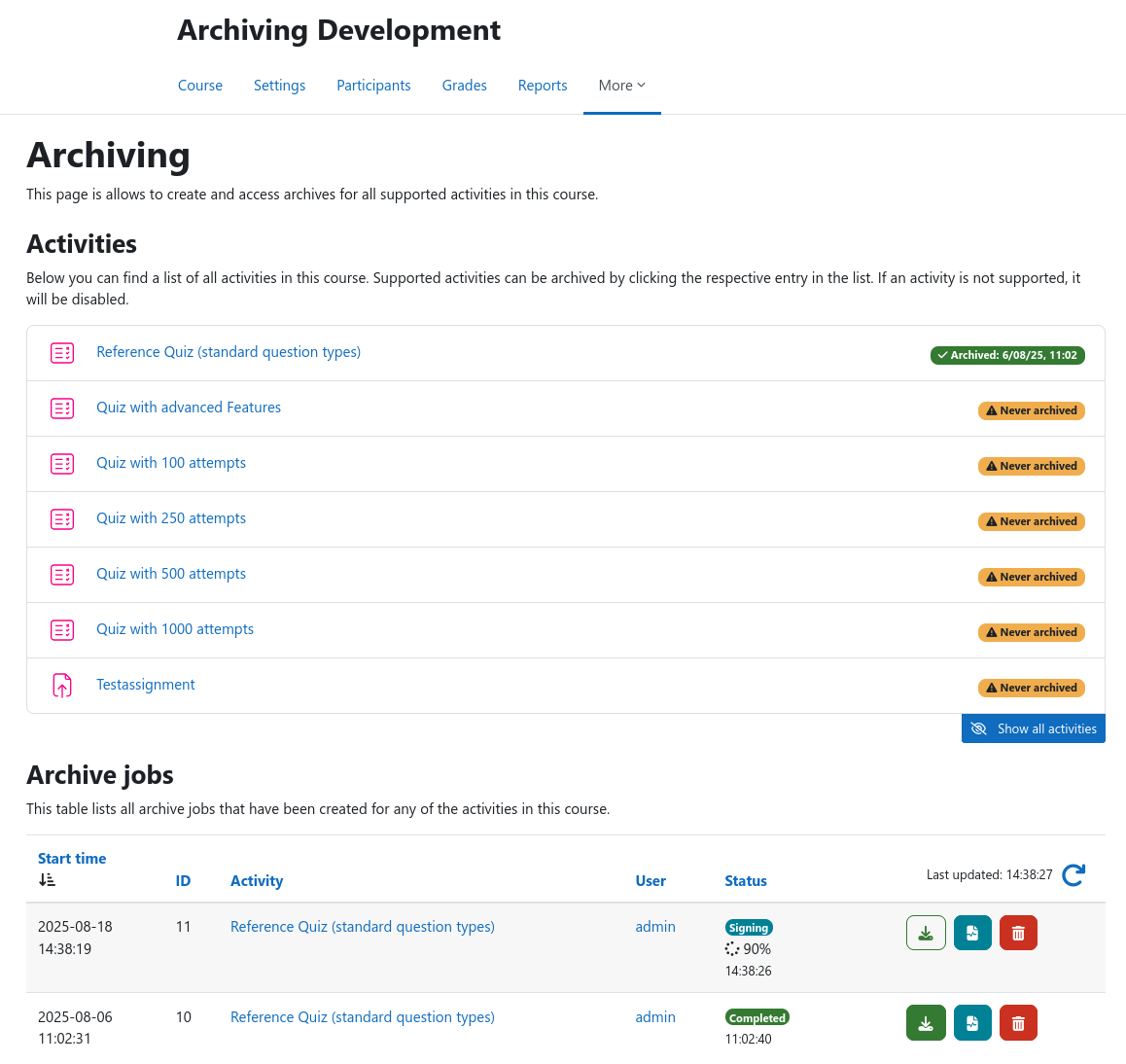
Course archiving overview page
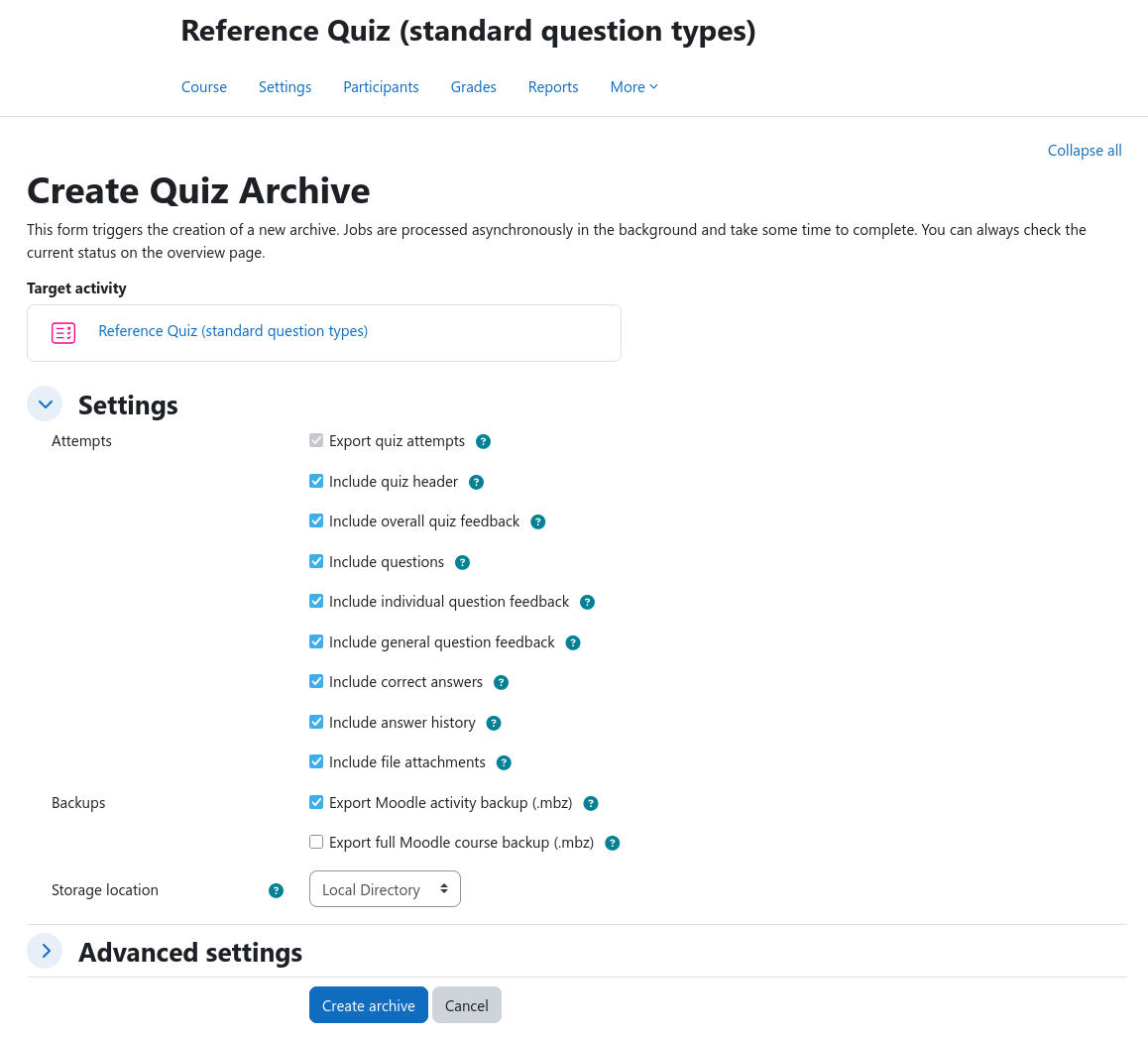
Creating a new archive
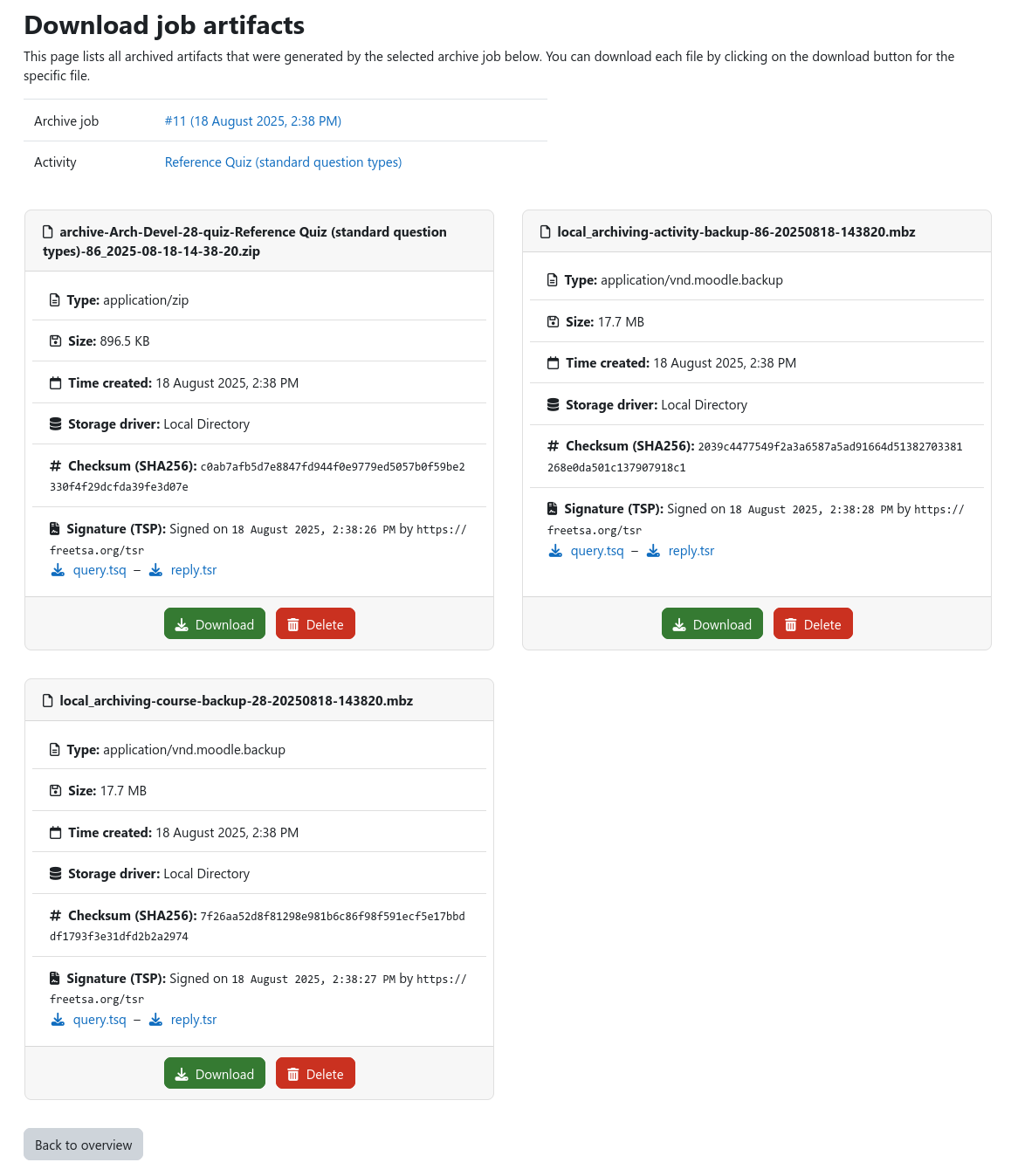
Downloading archived data
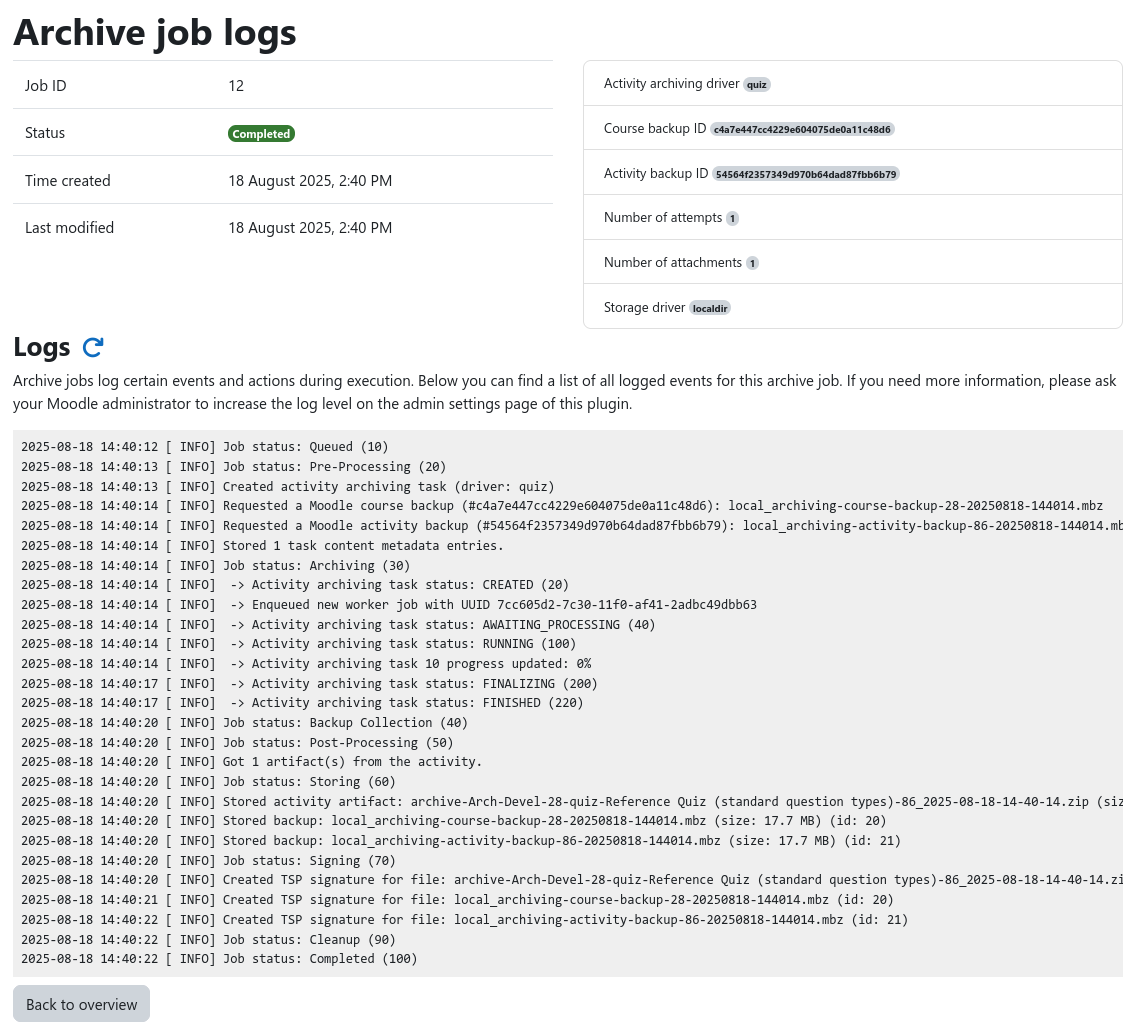
Inspecting archive job logs
Archive contents
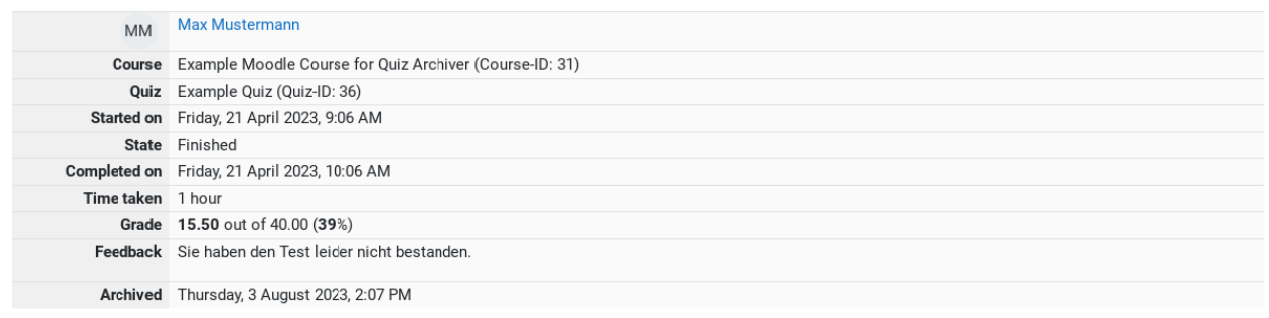
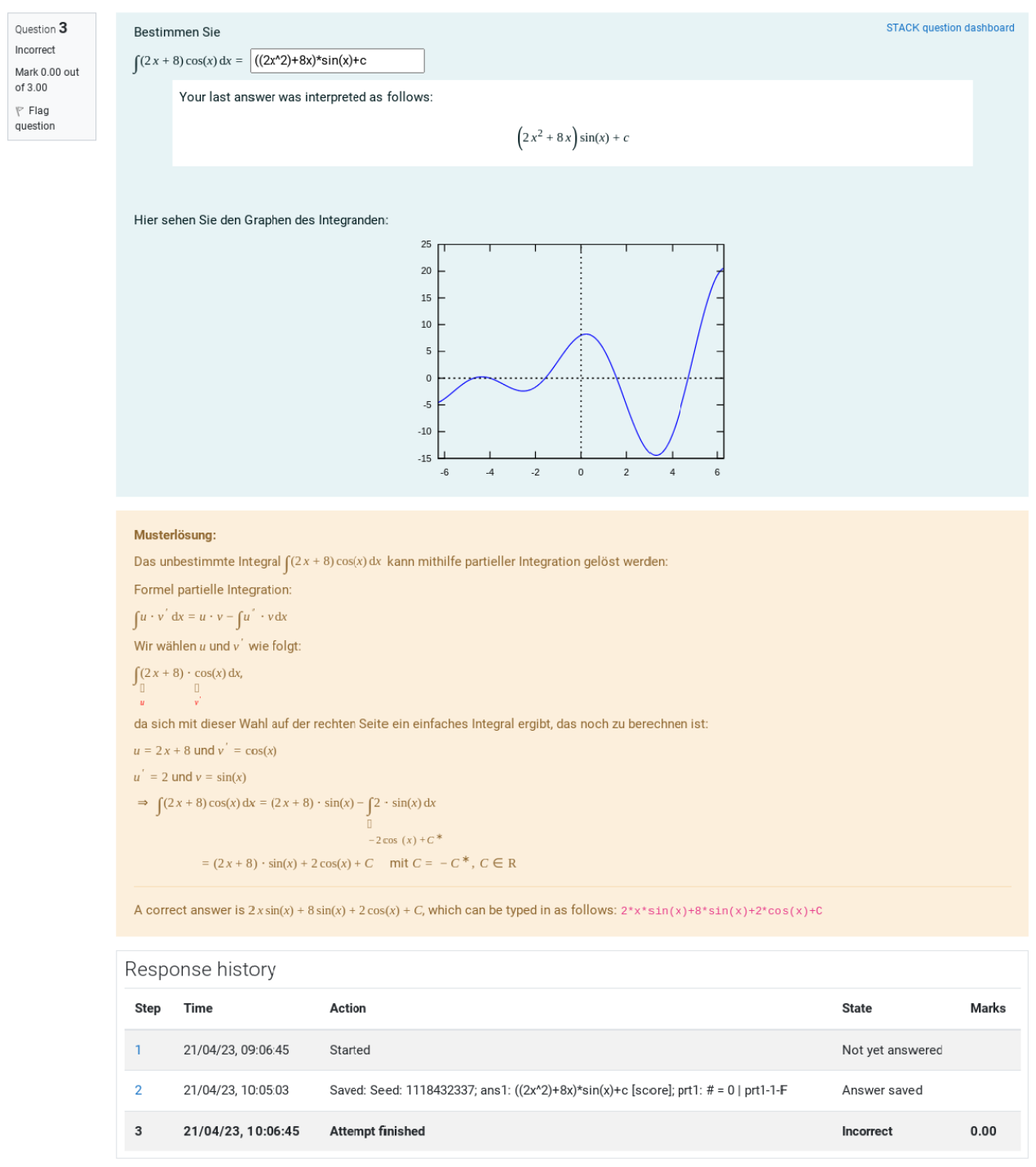
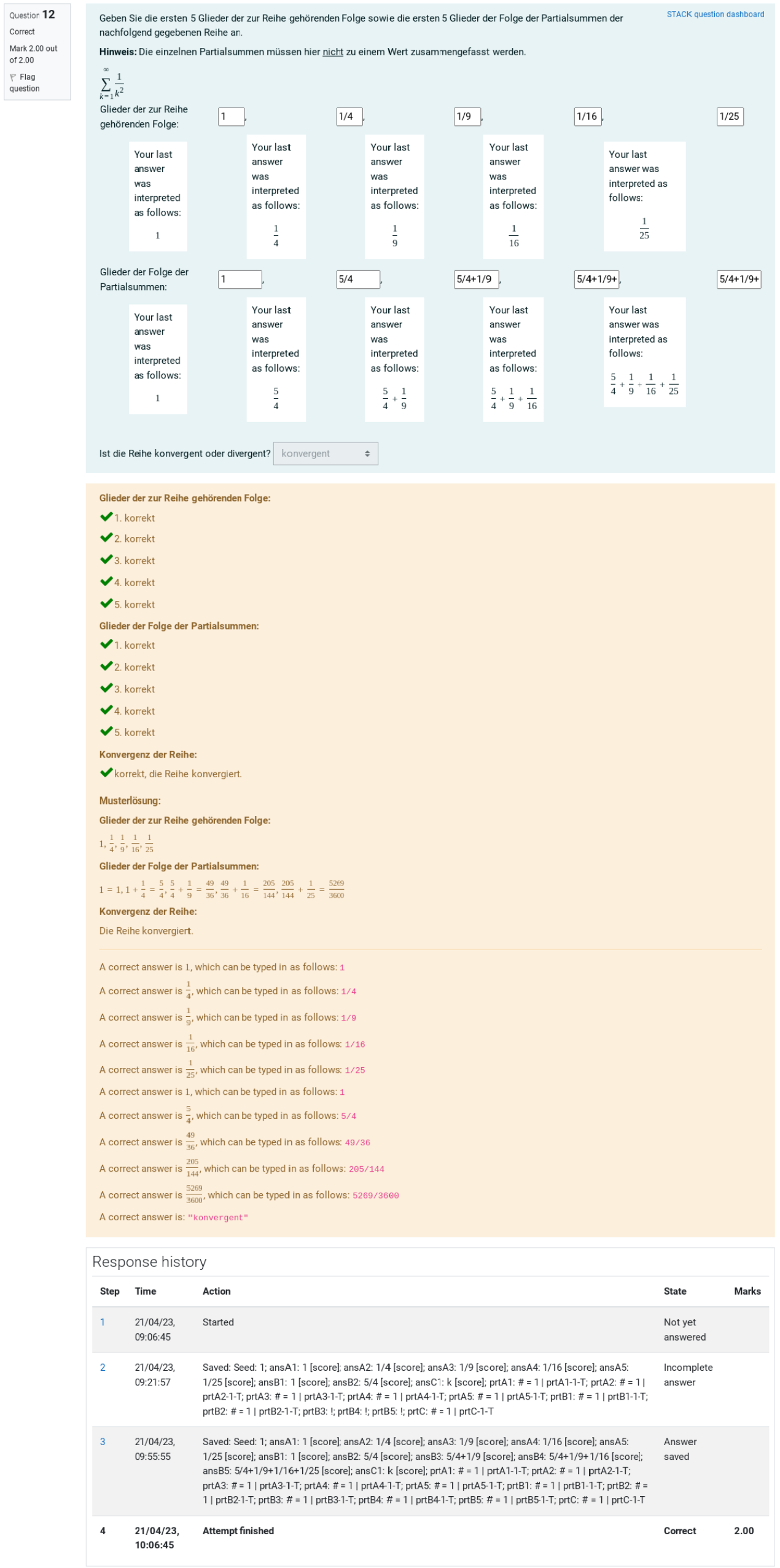
This section contains example screenshots of archived data.
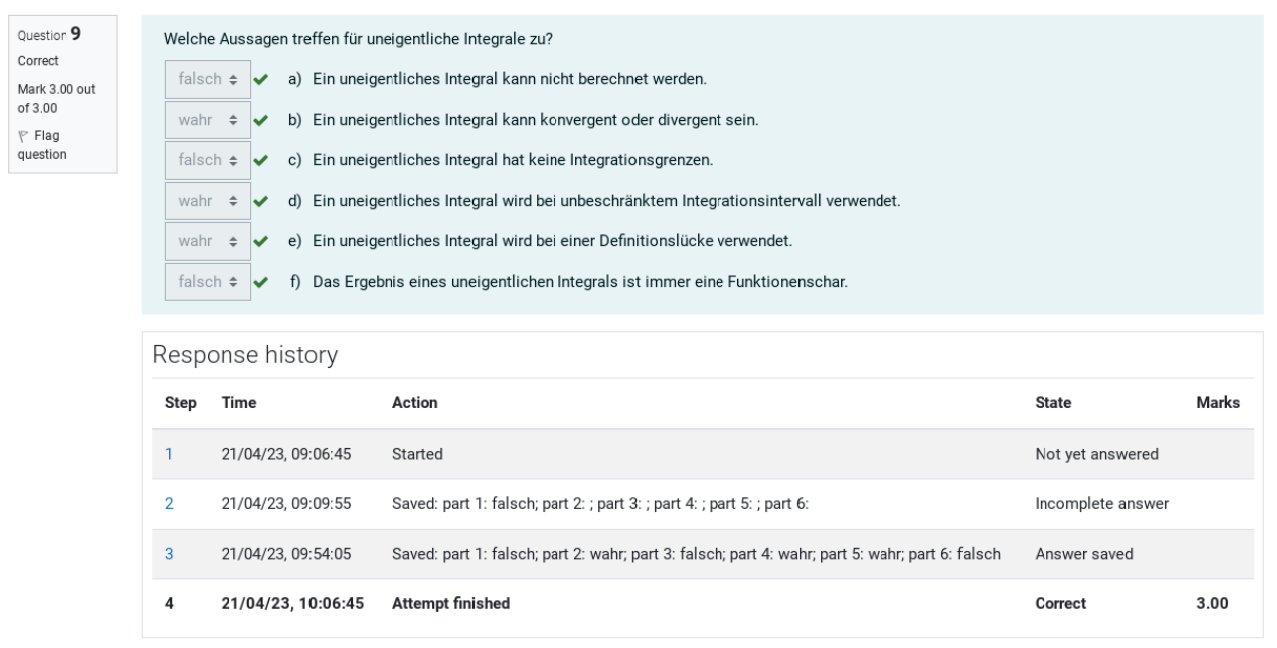
Example of PDF report (excerpt)
Admin interface and settings
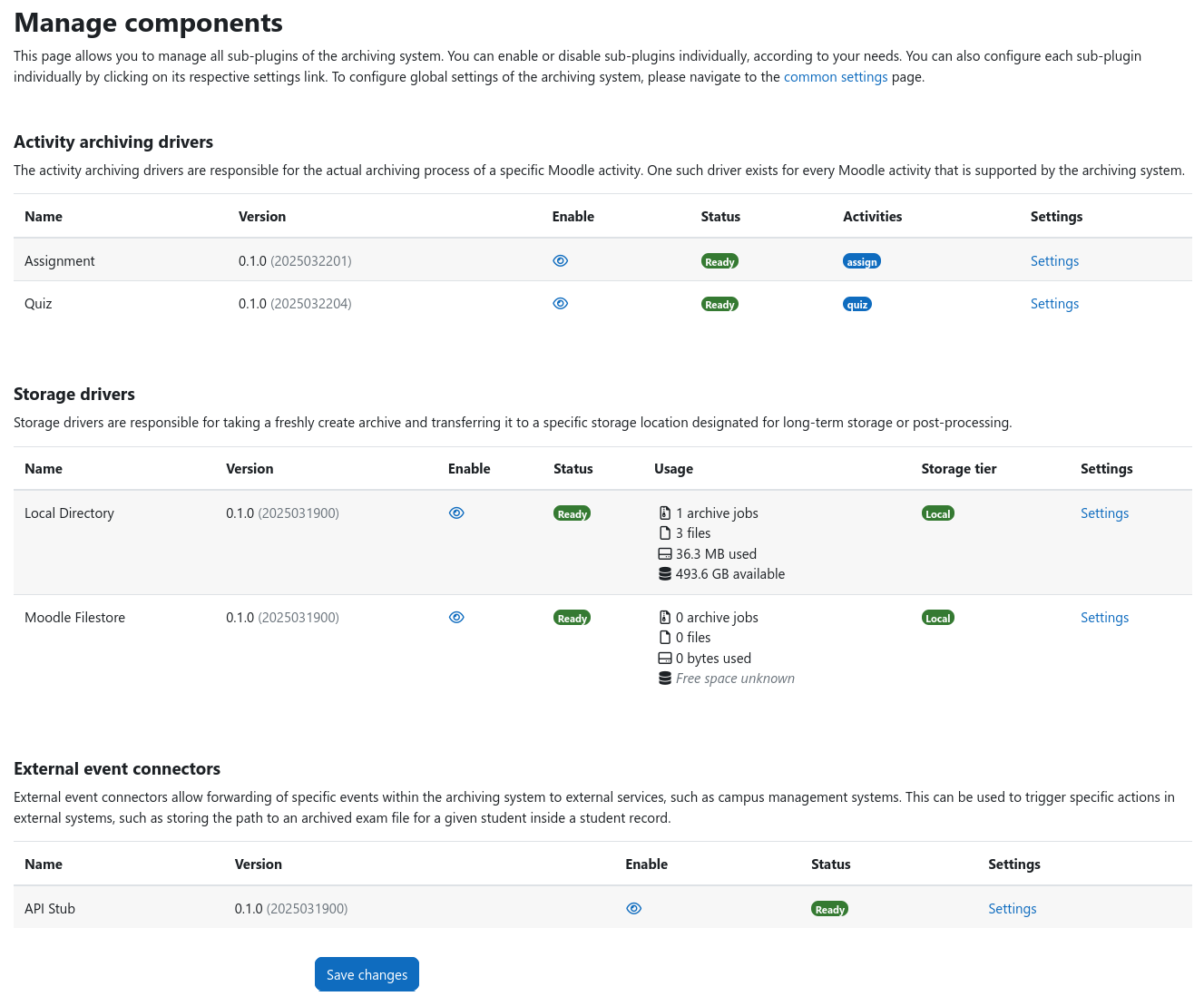
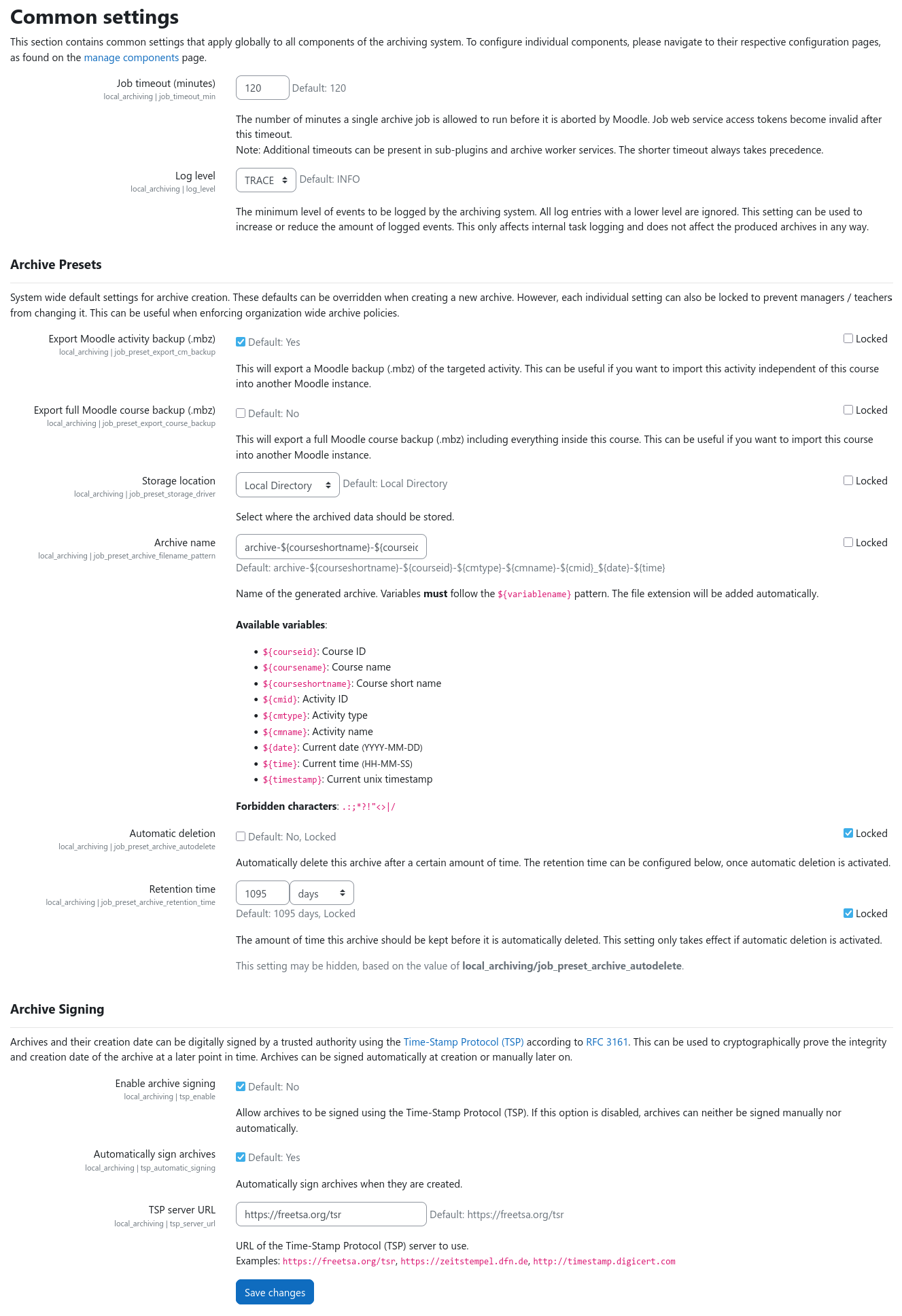
This section contains screenshots of the admin interface and some configuration options.
Manage components
Common settings
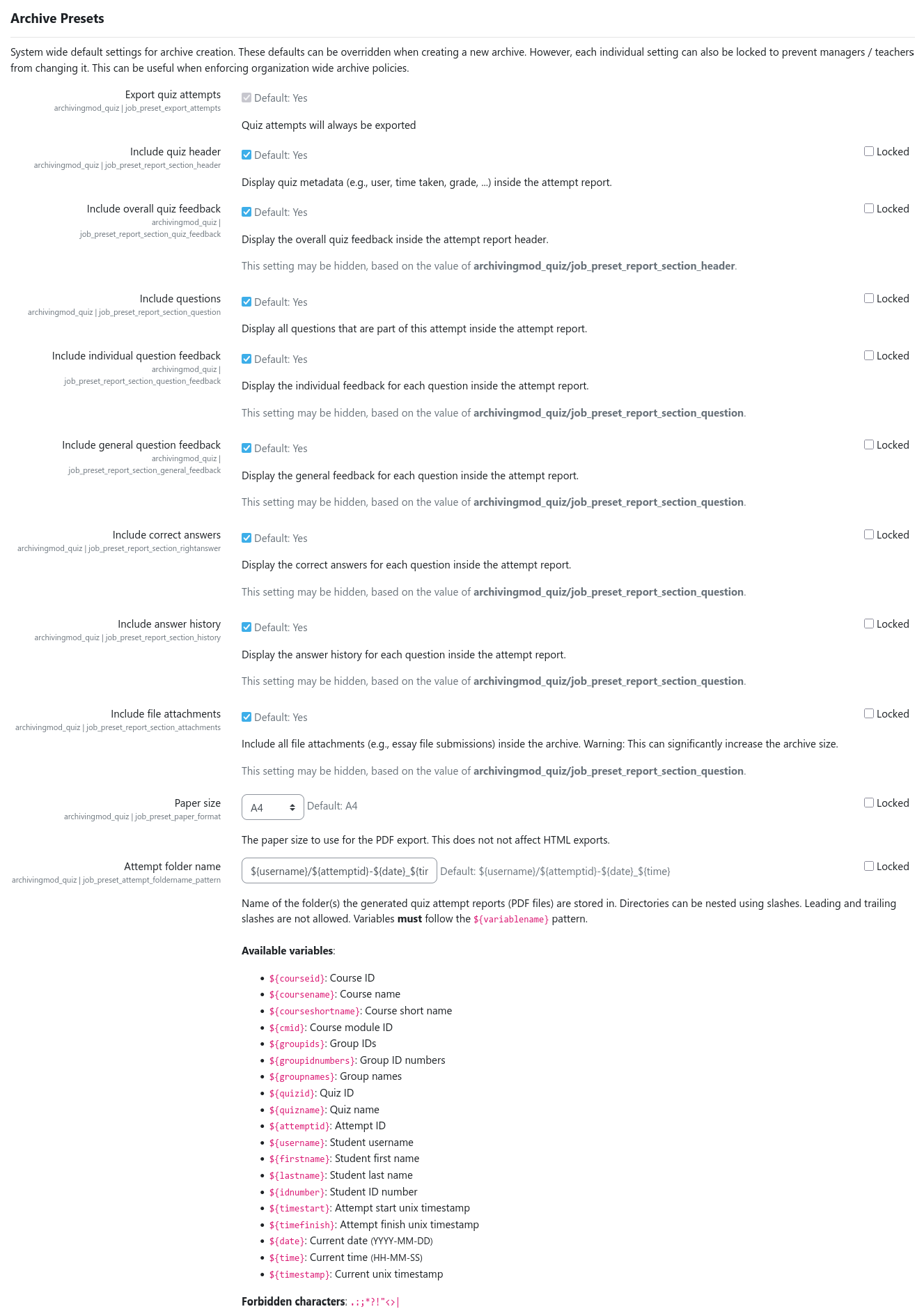
Quiz archiving presets (excerpt)