Inspecting Job Logs
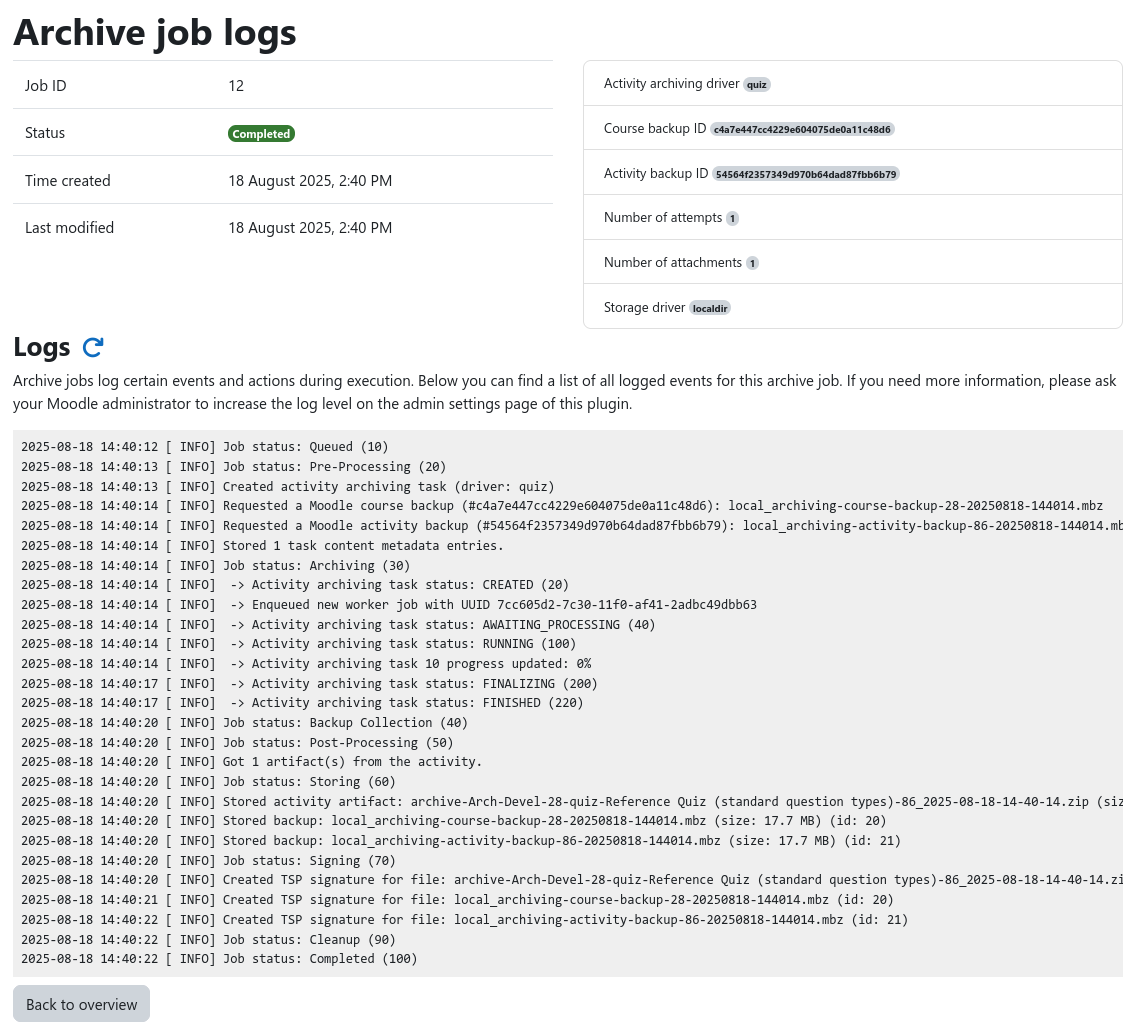
During execution, an archive job generates detailed log messages that provide insights into the current progress of the archive job, what data was being processed, and allow to understand problems if they occur.
The job logs can be accessed from the course archiving overview by clicking on the Logs button of the desired archive job. This brings you to the job logs page that displays various metadata about the job and all logged messages.
Increasing the log level
By default, only a small number of events are logged. This is sufficient for normal operation. However, if you encounter problems, ask your Moodle administrator to increase the job log level inside the plugin settings and re-run the job to gain more insight.