Downloading Archived Files
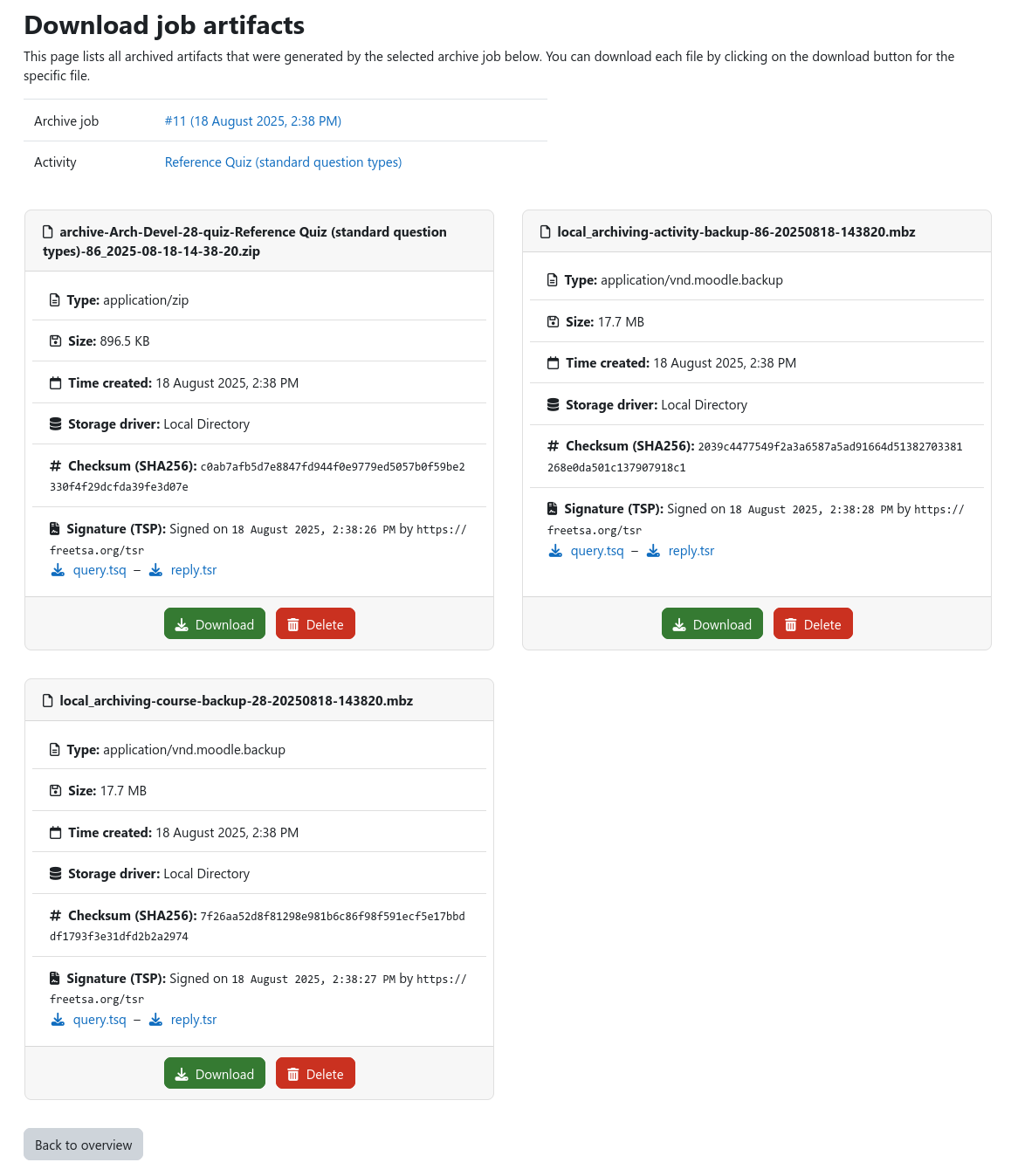
After an archive job has finished successfully, the archived data can be downloaded via Moodle. To do so, navigate to the course archiving overview page of the course that contains the archived activity. Locate the desired archive job and click on the corresponding download button. This brings you to the job artifact download page where you can see all artifacts that were created during the archive job.
Info
Depending on the configuration of the archiving system it can be possible, that you can create and download archives, but are not allowed to delete the files after they have been created. Please contact your Moodle administrator if you encounter problems.